
The Samsung Galaxy is an Android operated Smartphone. It is developed by Samsung and was debuted in the month of March 2010. It features lots of high tech attributes like 1 GH processor, 5 megapixels camera, touch screen and many others.
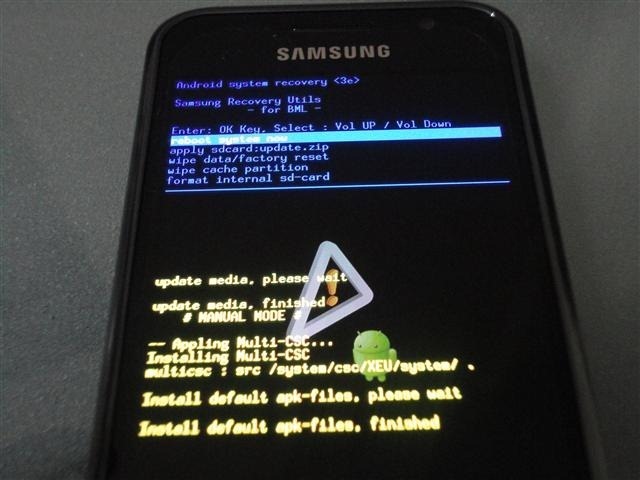
Having the Samsung galaxy is really a matter of pride. Just having it is not enough. You need to know about it to operate it efficiently. Here is a small tip with which you can get your Samsung Galaxy in Recovery Mode.
Steps:
- Switch off the phone
- Press and hold the Home, Power, and Volume down keys together.
- When the logo of Samsung appears on the screen, release the buttons and hold them again immediately.
This will make your phone to boot in Recovery Mode.